


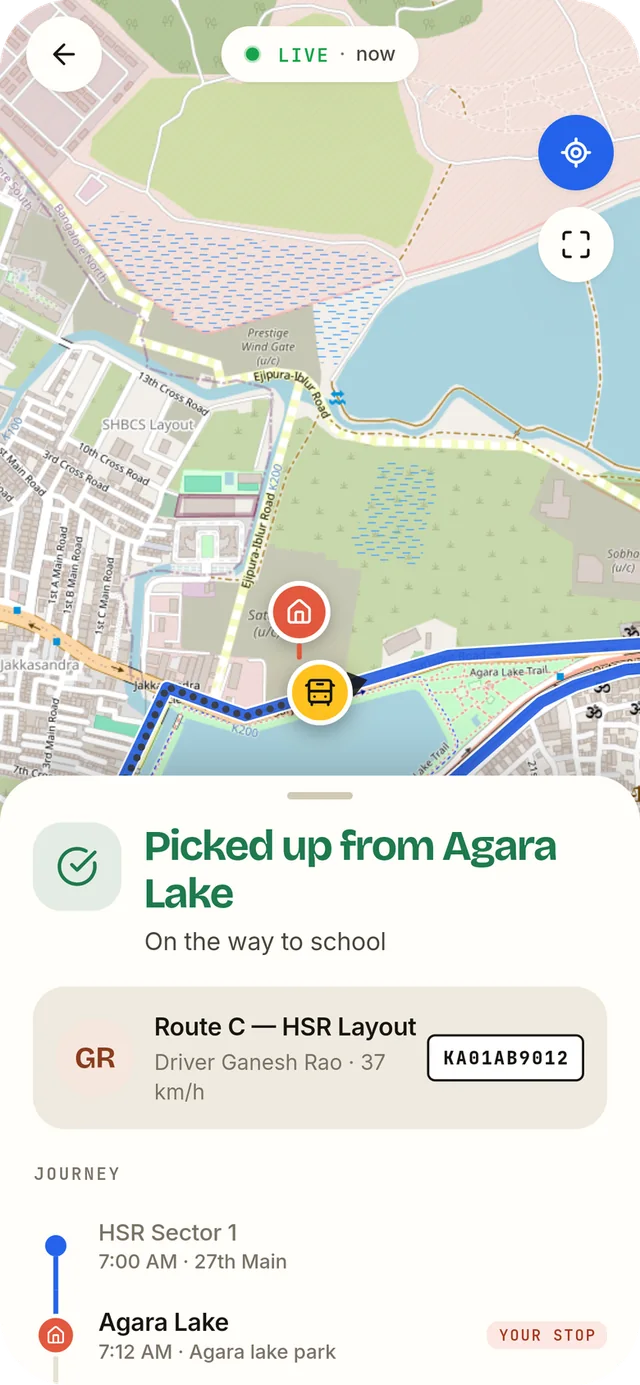
The bus leaves. Parents can see it.
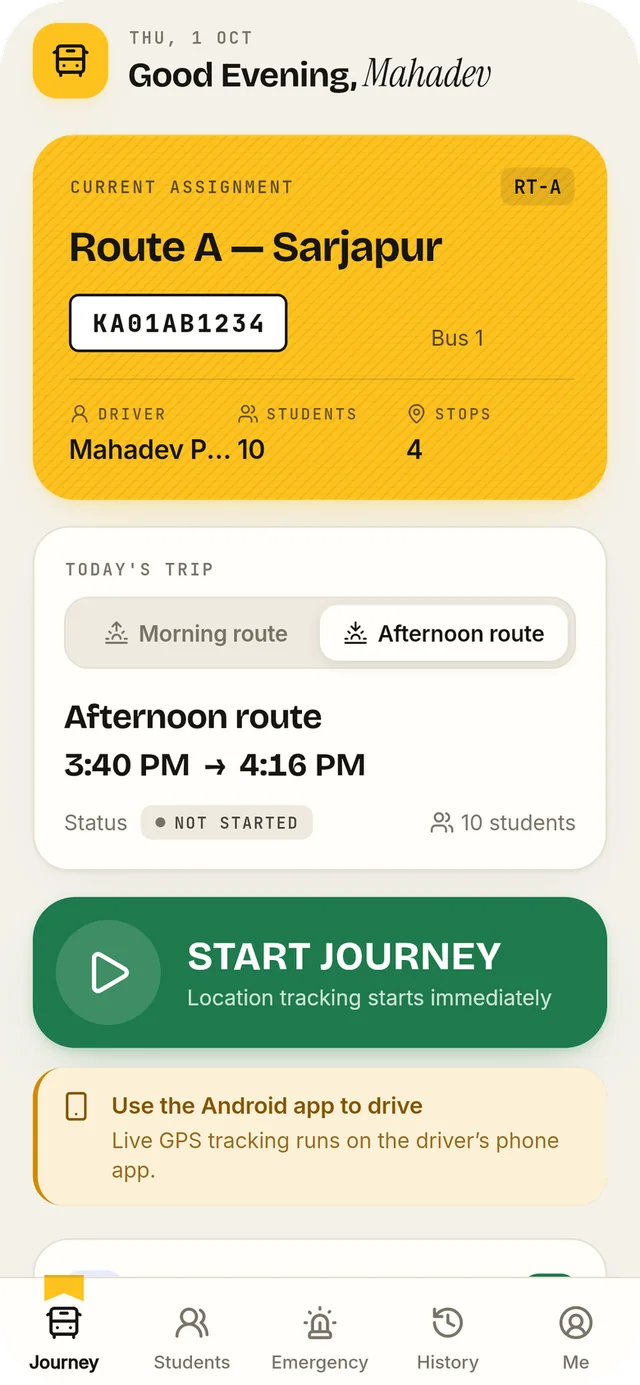
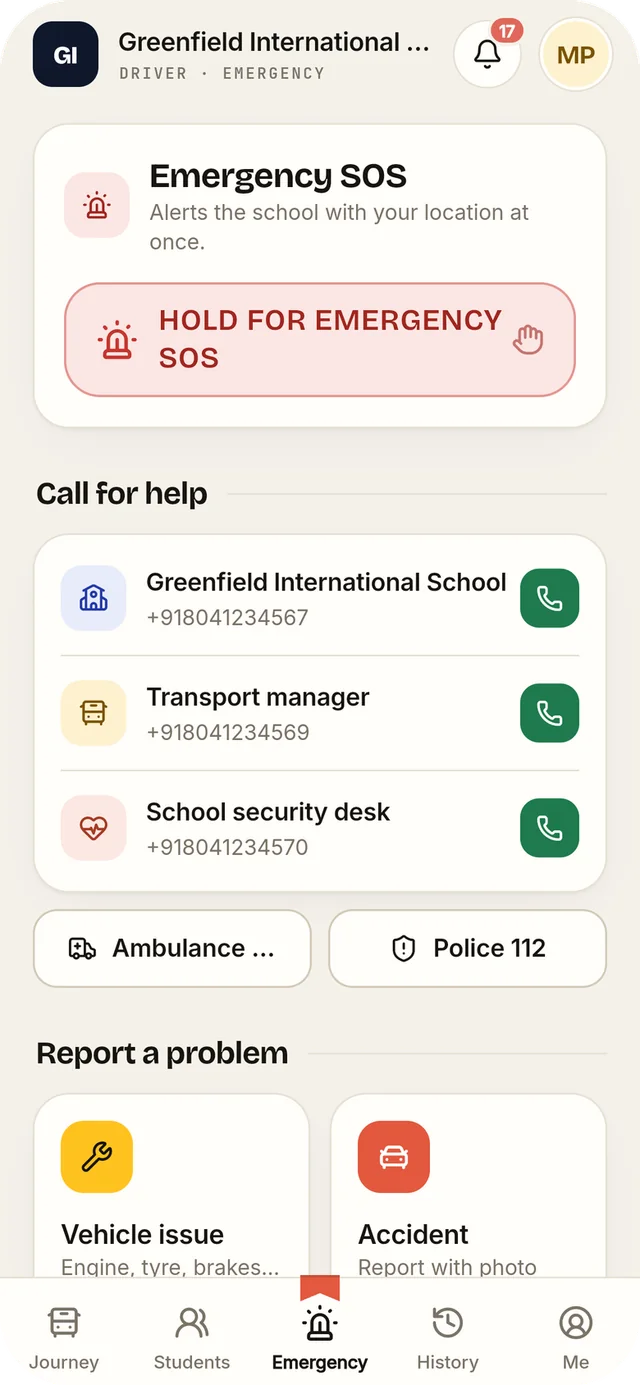
The driver starts the journey from a phone. Families follow the bus on a map and are told when it nears their stop.
Map data © OpenStreetMap contributors
Every school signs in at its own address, like yourschool.kaotilya.com. Find yours:
Kaotilya team? Platform sign-in
Kaotilya School ERP connects admissions, attendance, fees, exams, timetables and school buses for the office, teachers, parents and drivers.
Each one works on its own. The effort goes into the gaps between them: entering things twice, forwarding them, and following up.
Kaotilya keeps one record of the school, and every role works from it.
Six moments, from the first bus to tomorrow’s timetable. Every screen is the real product, shown with demonstration data.
The driver starts the journey from a phone. Families follow the bus on a map and are told when it nears their stop.
Map data © OpenStreetMap contributors
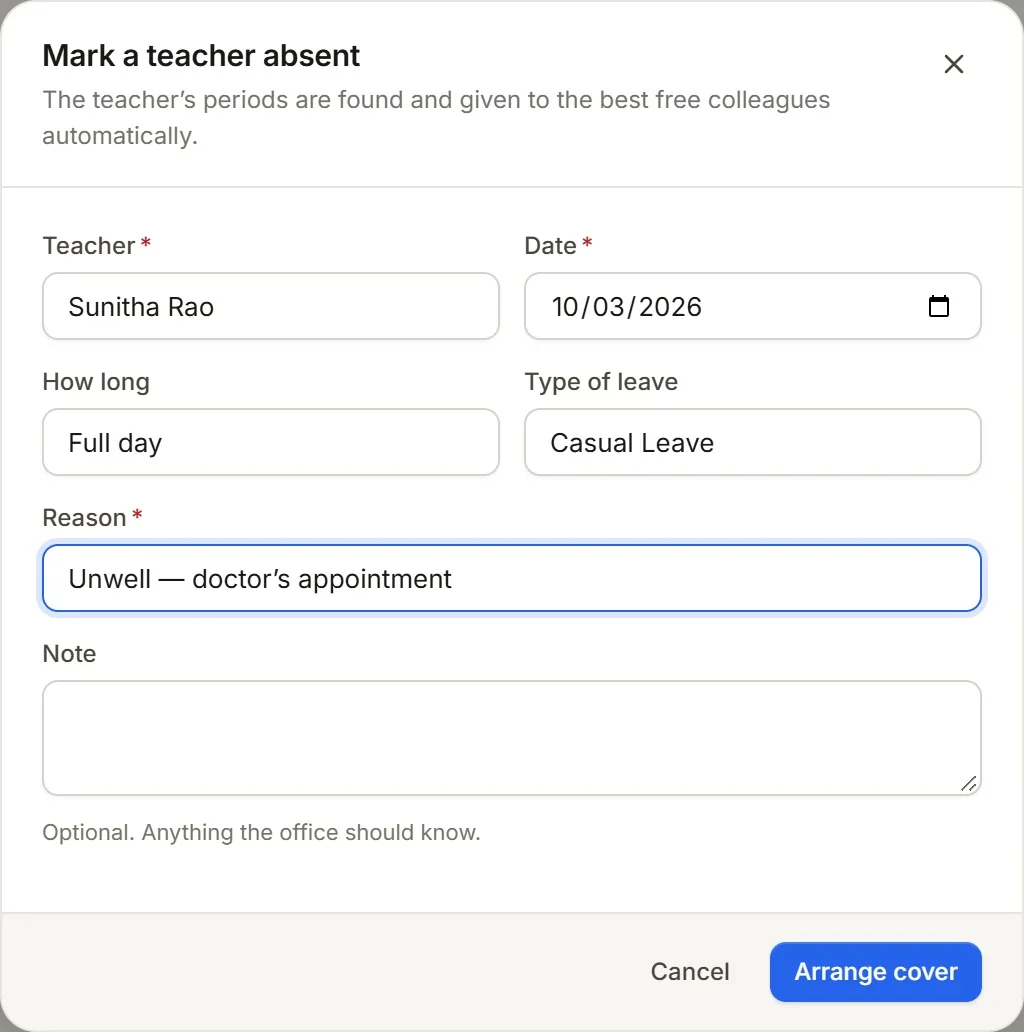
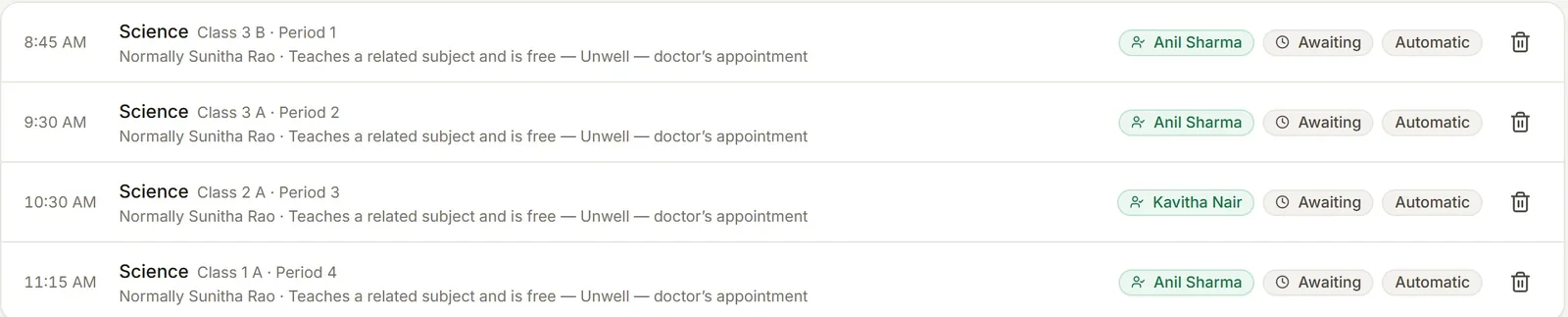
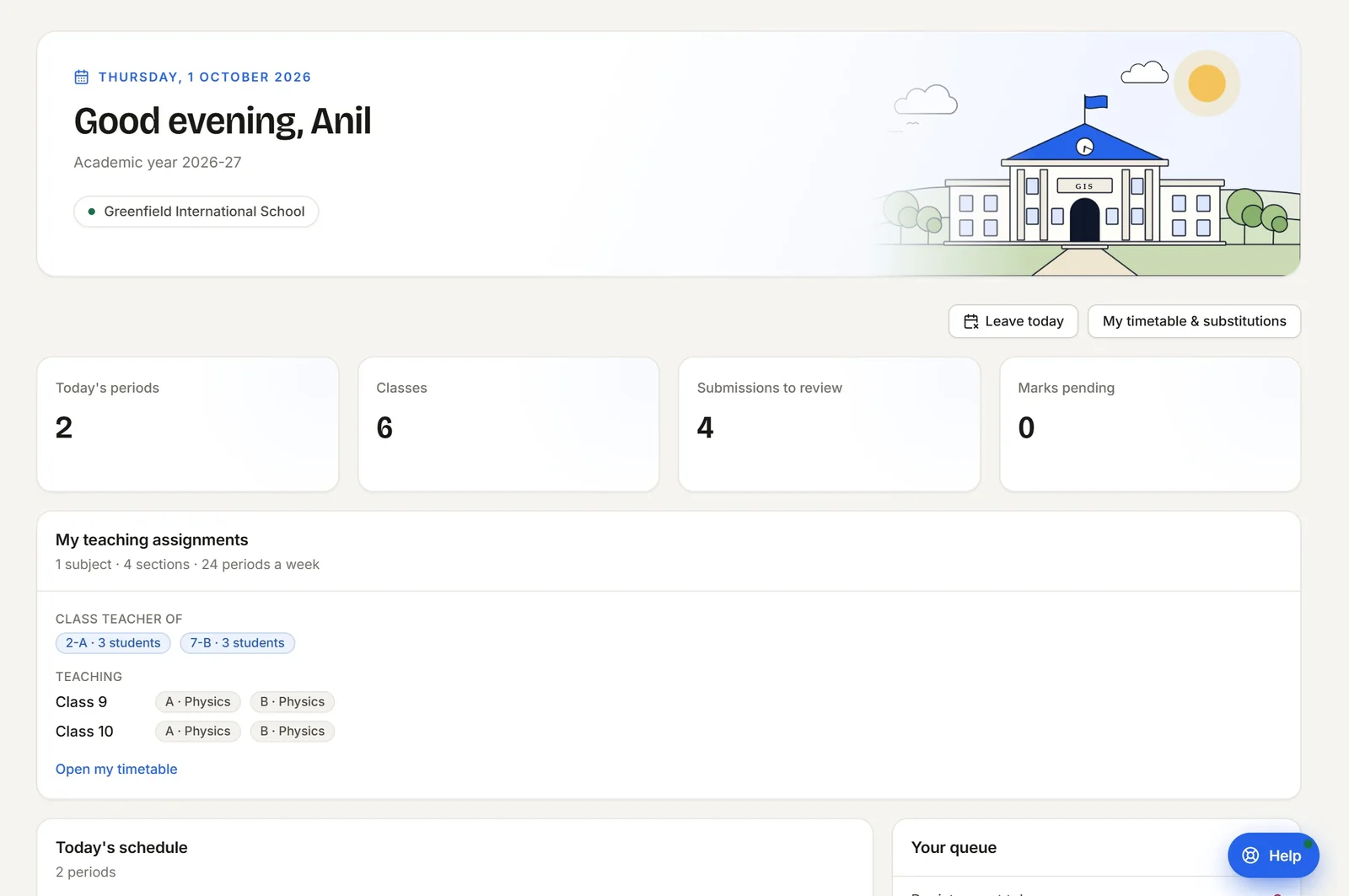
One leave entry finds the periods affected, ranks free colleagues by subject and workload, and tells each substitute.
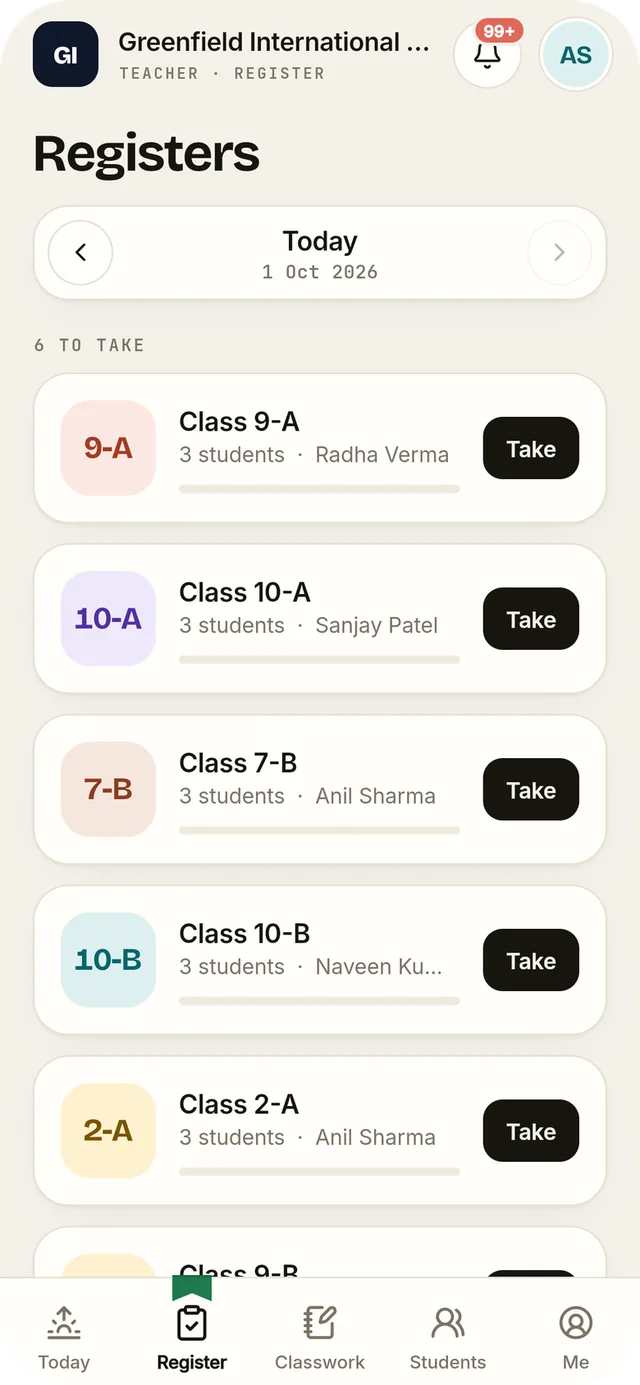
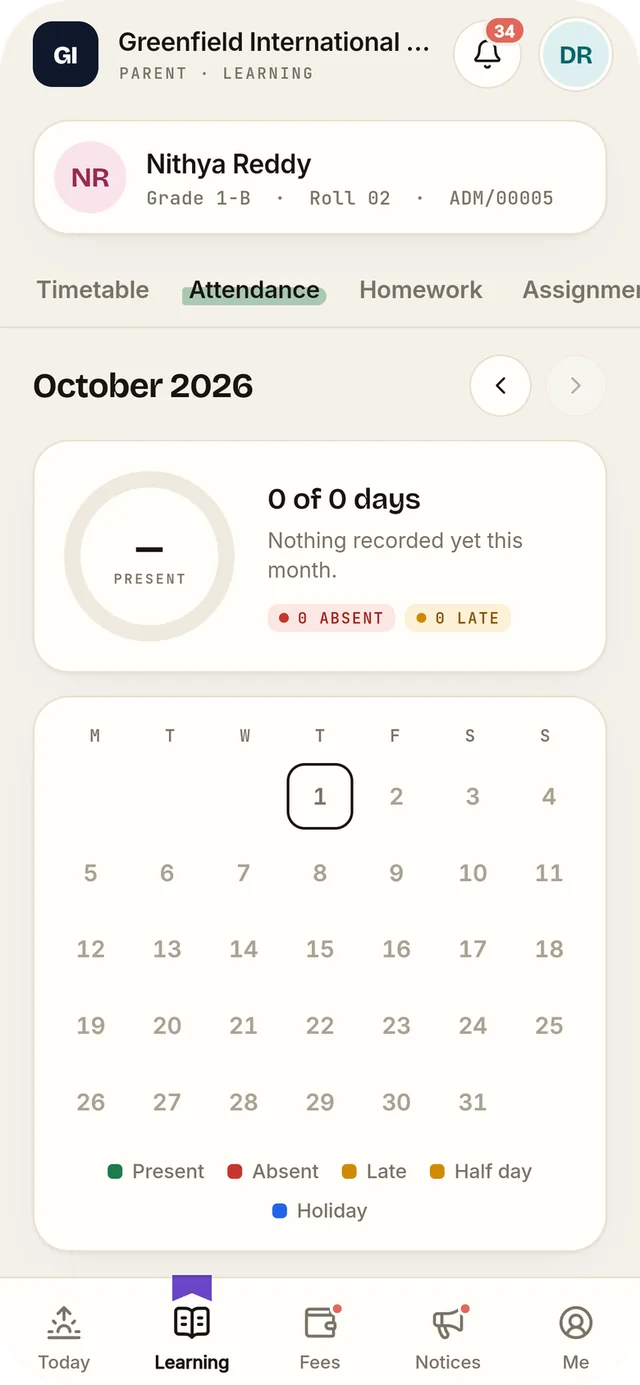
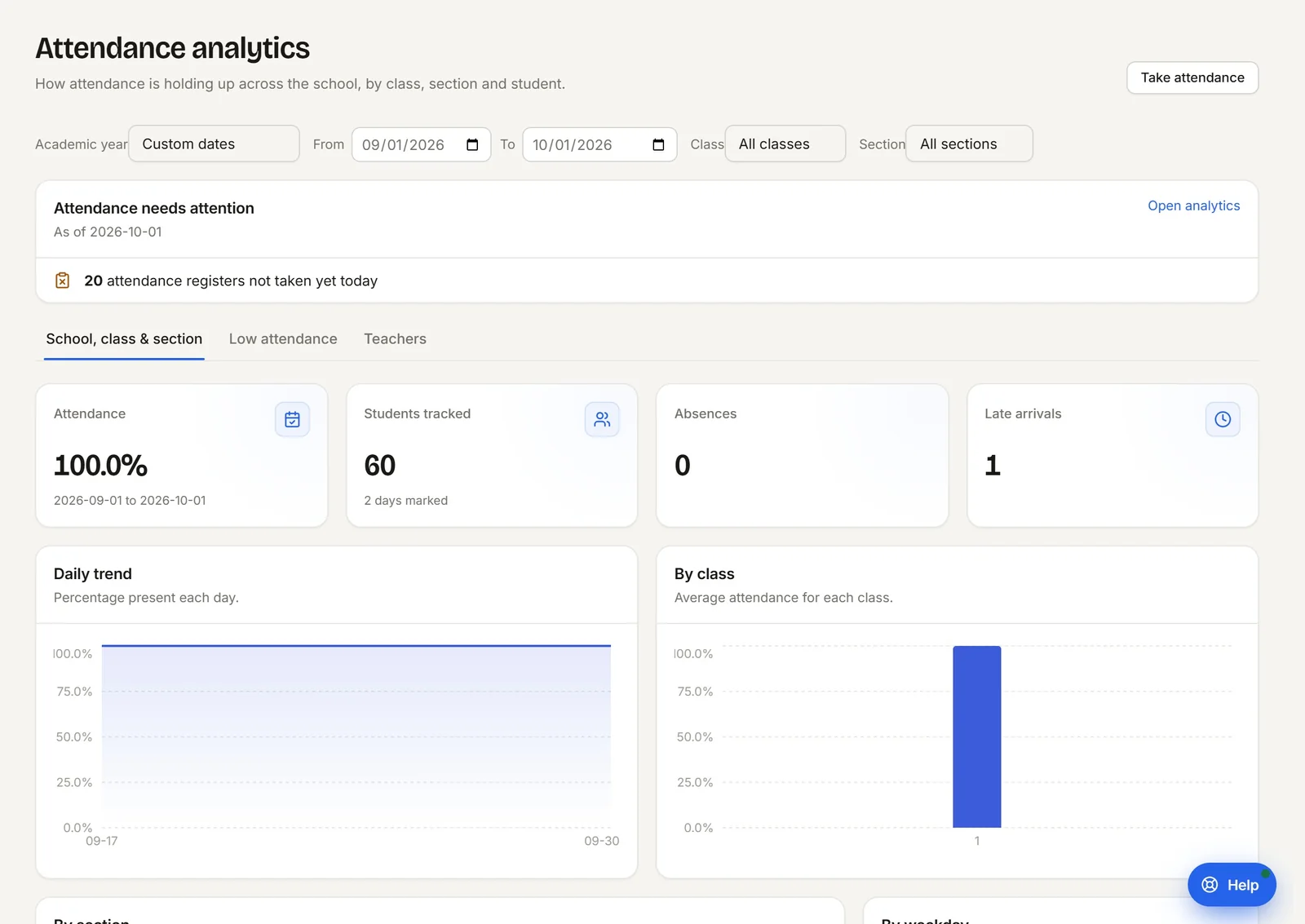
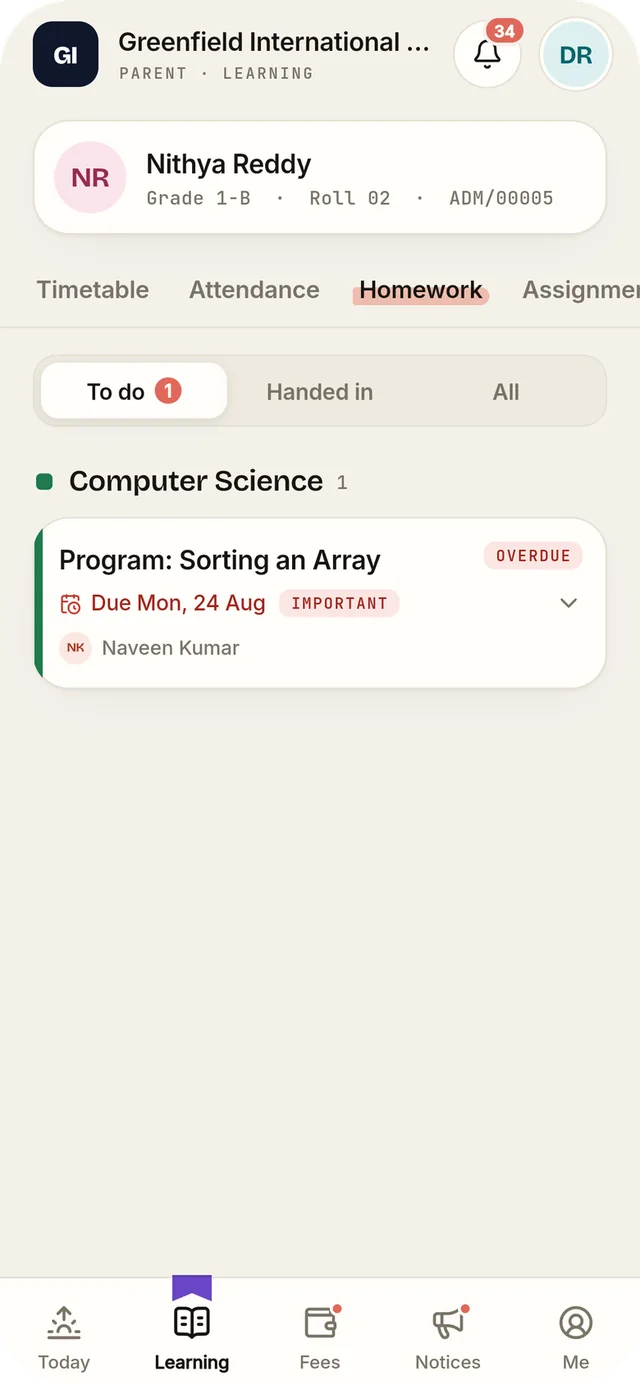
Everyone is present by default, so a teacher marks only the exceptions. The office sees which registers are still open, and parents see the result.
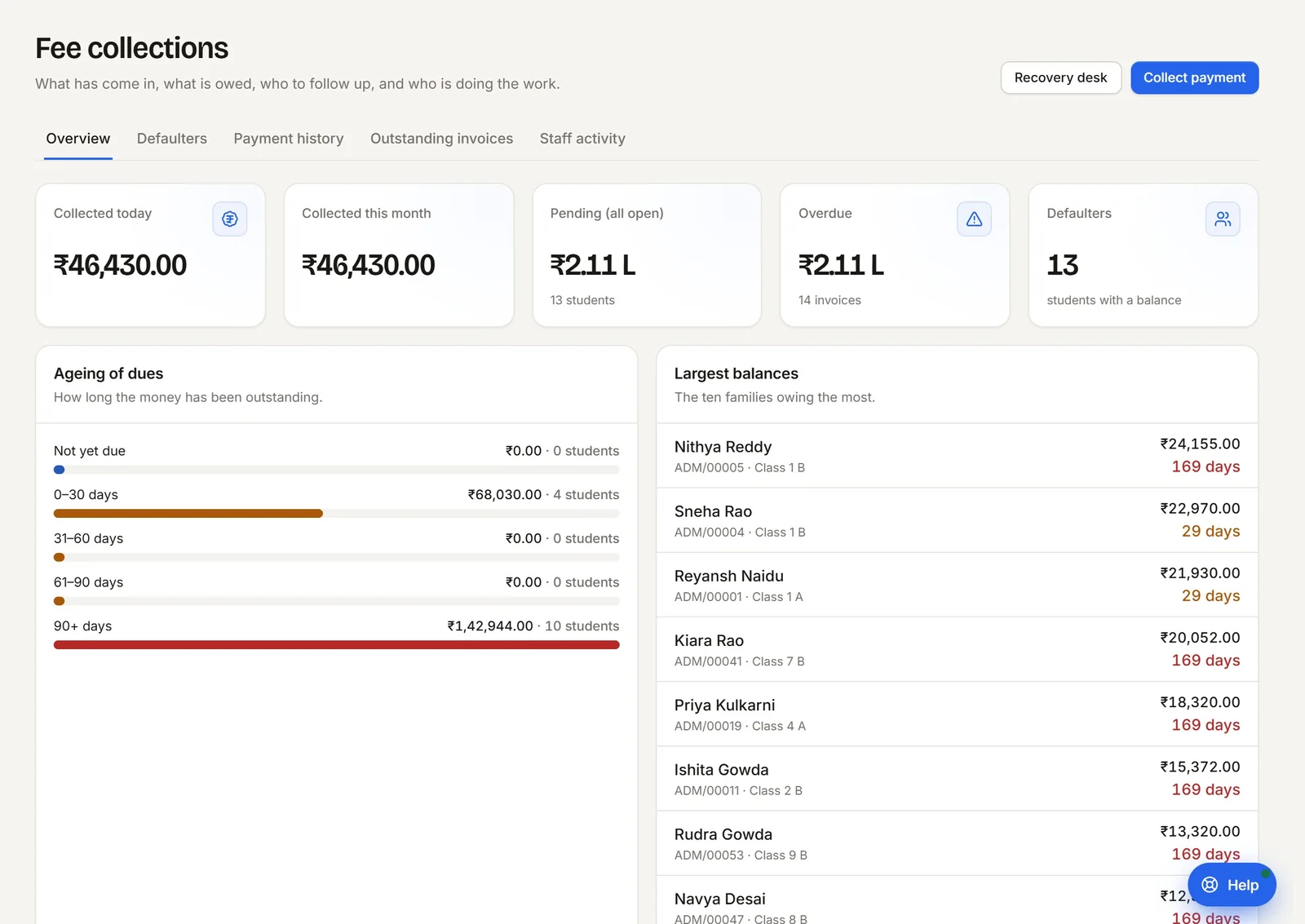
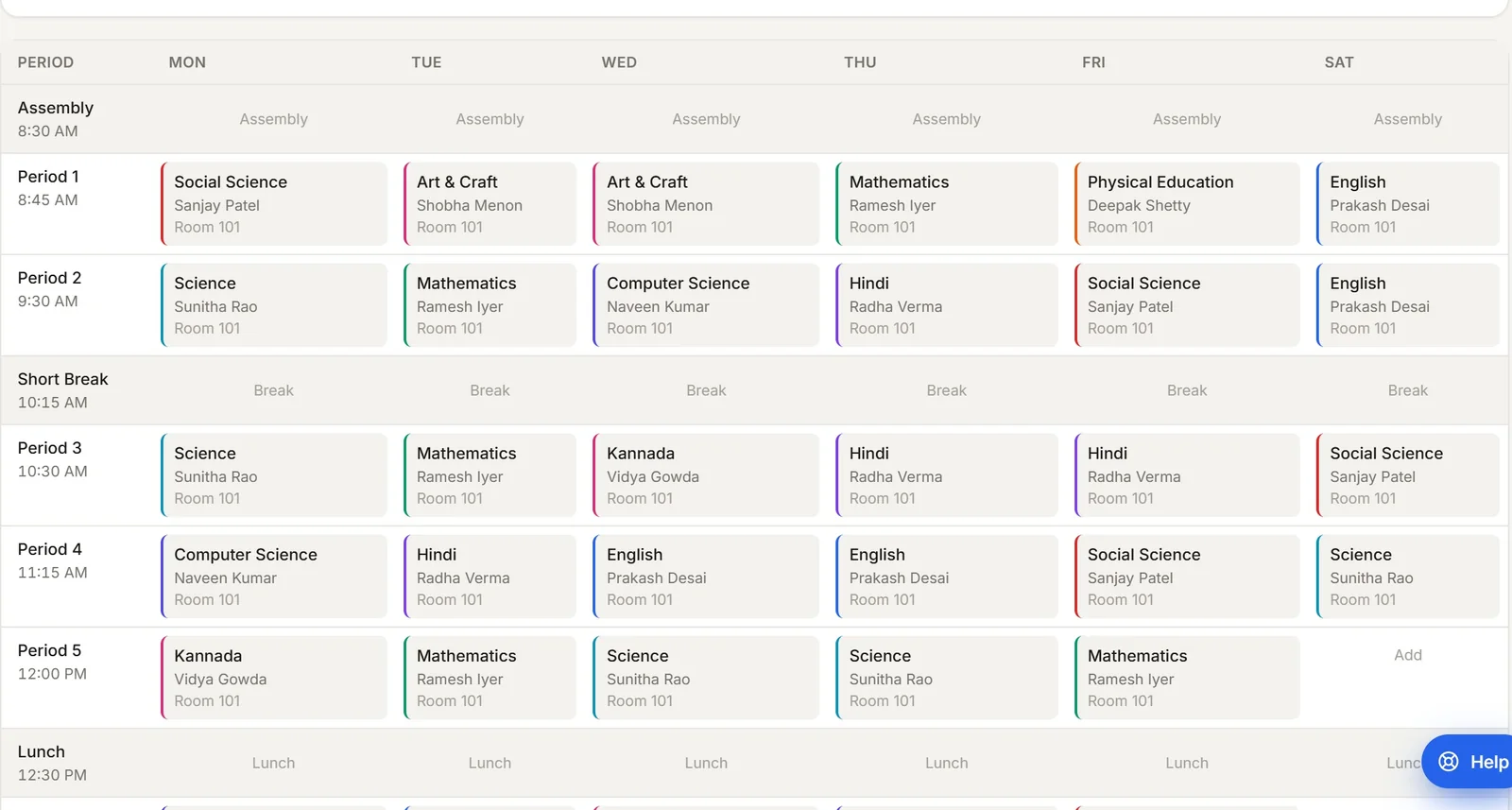
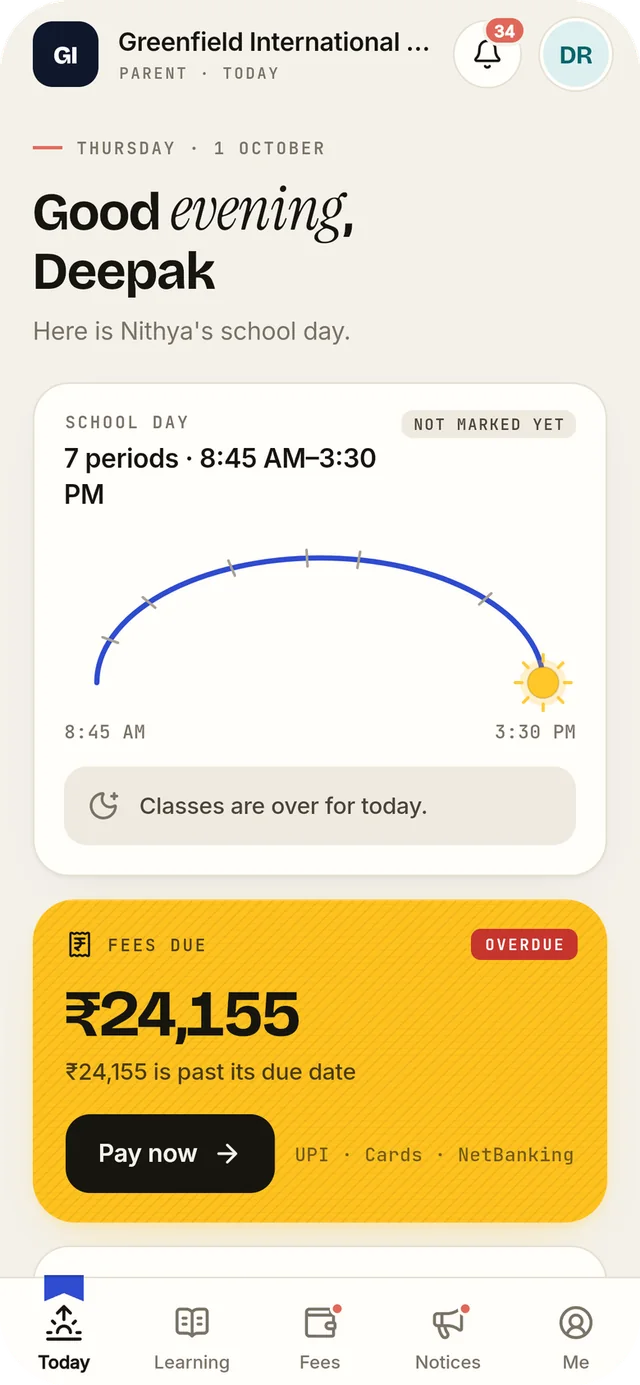
Invoices, payments and dues sit in one ledger. Parents can pay from the app, and reminders and promises to pay are tracked by rule.
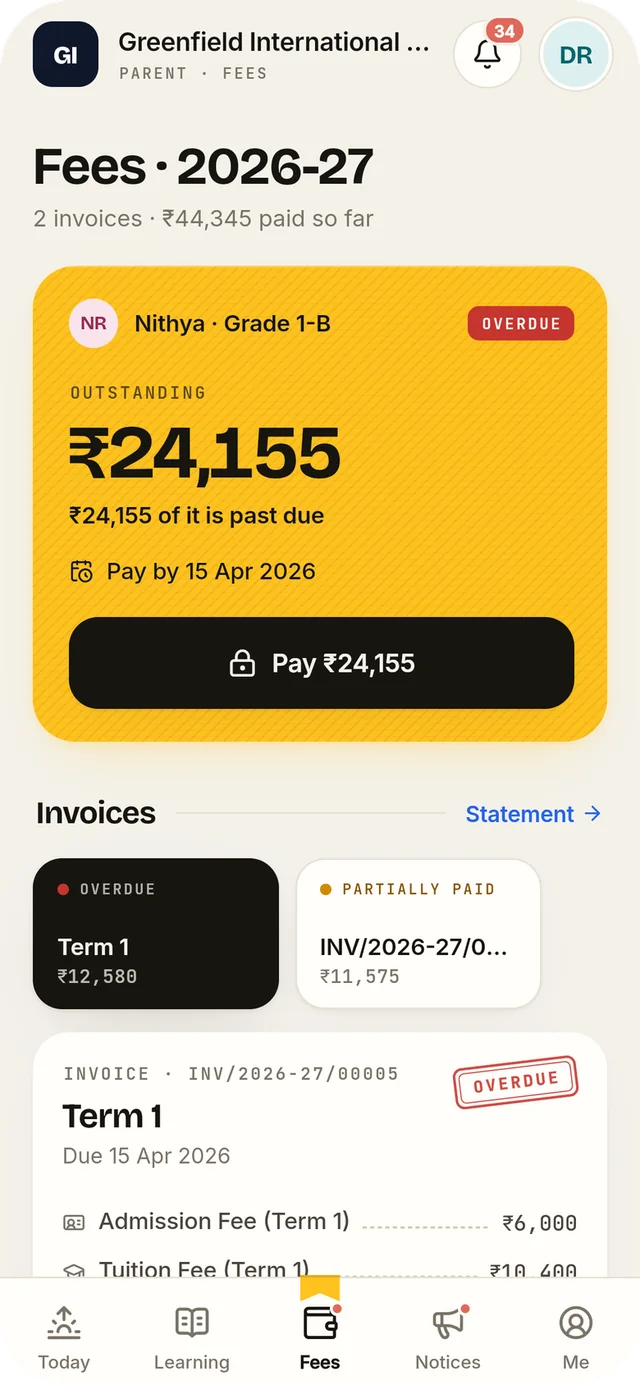
Subject teachers enter marks for their own sections. Results and report cards are produced from the same record.
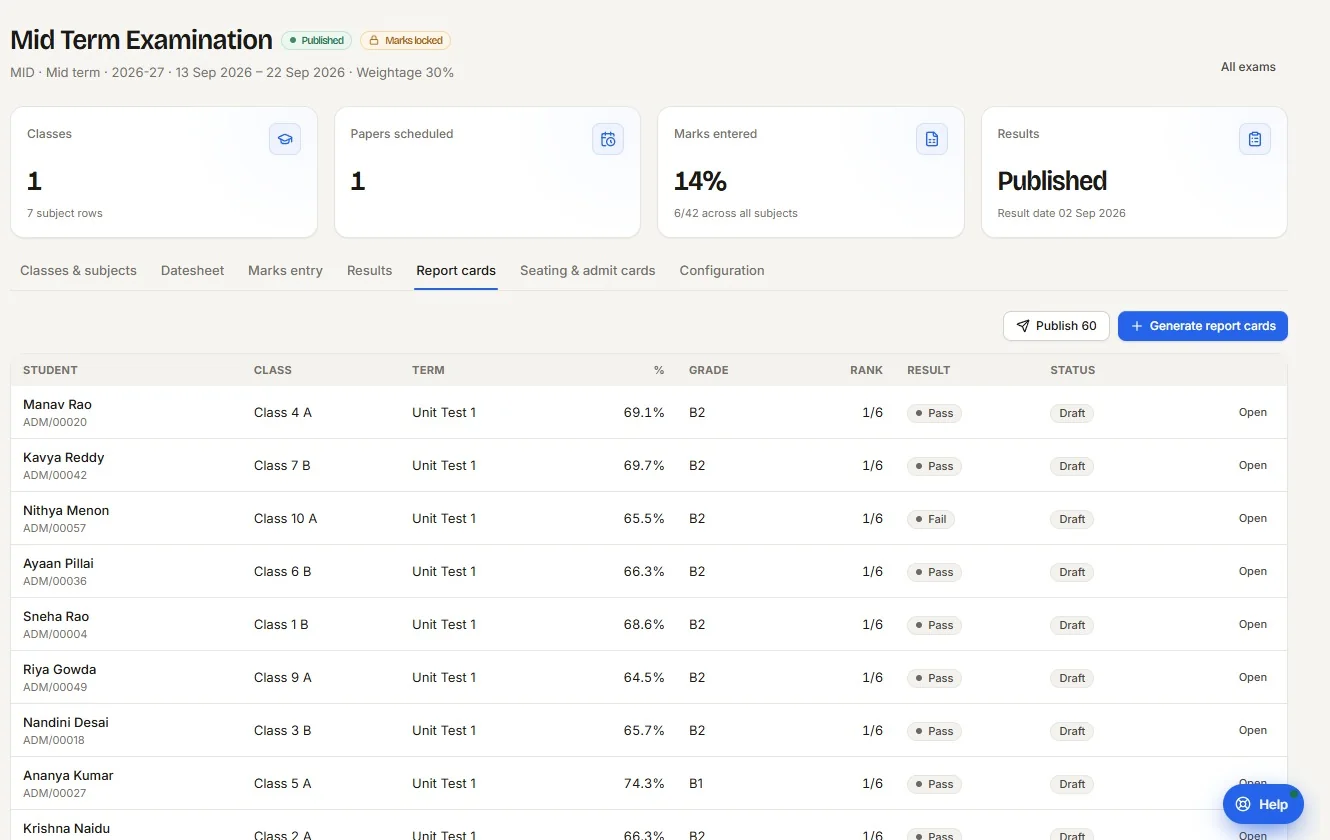
Every section, teacher and room on one grid. A clash is refused before it reaches a classroom.
A web application for the office and staff room. One mobile app that opens differently for teachers, families and drivers.
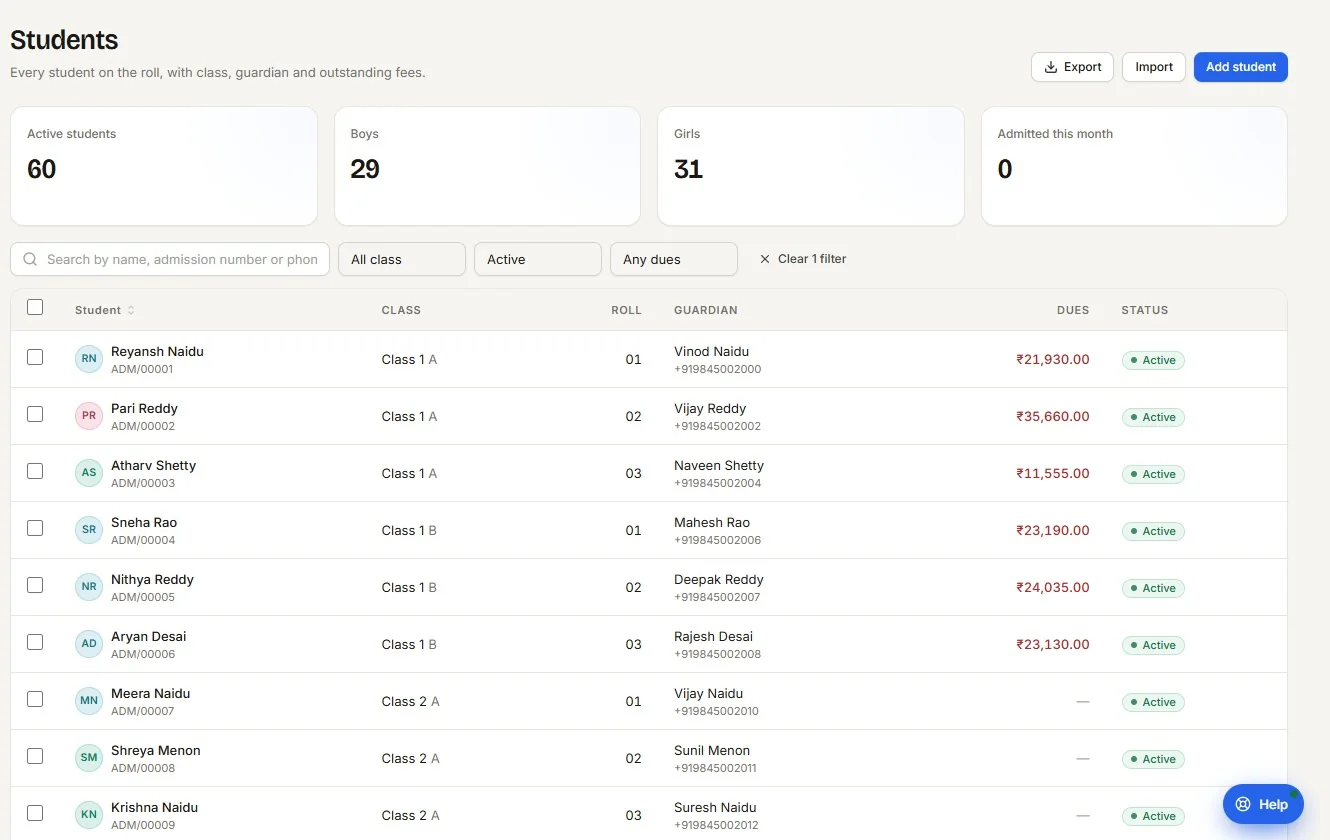
Kaotilya’s own team is kept out of student, marks, fee and message data by the platform itself, on every request. It was designed that way with India’s Digital Personal Data Protection Act, 2023 in mind.
Modules are enabled school by school. The ones lit below are where most schools begin. Switch a few on or off: your list goes with your walkthrough request.
12modules switched on. Take this list into a walkthrough
Moving a school onto new software is a managed process, done with your team and the records you already keep.
Years, classes, sections, subjects and who teaches what. A checklist inside the product shows what is left.
Students, staff, subjects, the timetable and opening fee balances come in from your spreadsheets.
An illustrated guide and walkthrough videos in Hinglish, one set for administrators and one for teachers.
Staff and parents activate their own accounts by one-time link. Help sits inside the product.
Staff, parents and students sign in at the school’s own address. Its name, its colours, its records, and nobody else’s.
We will take your team through the product with demonstration data, then talk about how your school runs today.